개인 포트폴리오 사이트
노션에 도메인을 연결하기 위해서는 매달 10달러의 비용이 발생하기 때문에 노션 페이지 뷰어 사이트를 제작했었으나 노션 정책 변경으로 막히며 이영호.com에 접속 시 노션 페이지로 이동하도록 만들었습니다.
이 과정에서 Puuush를 이용해서 관리자에게 알림을 보내도록 만들었습니다.
개발 일지
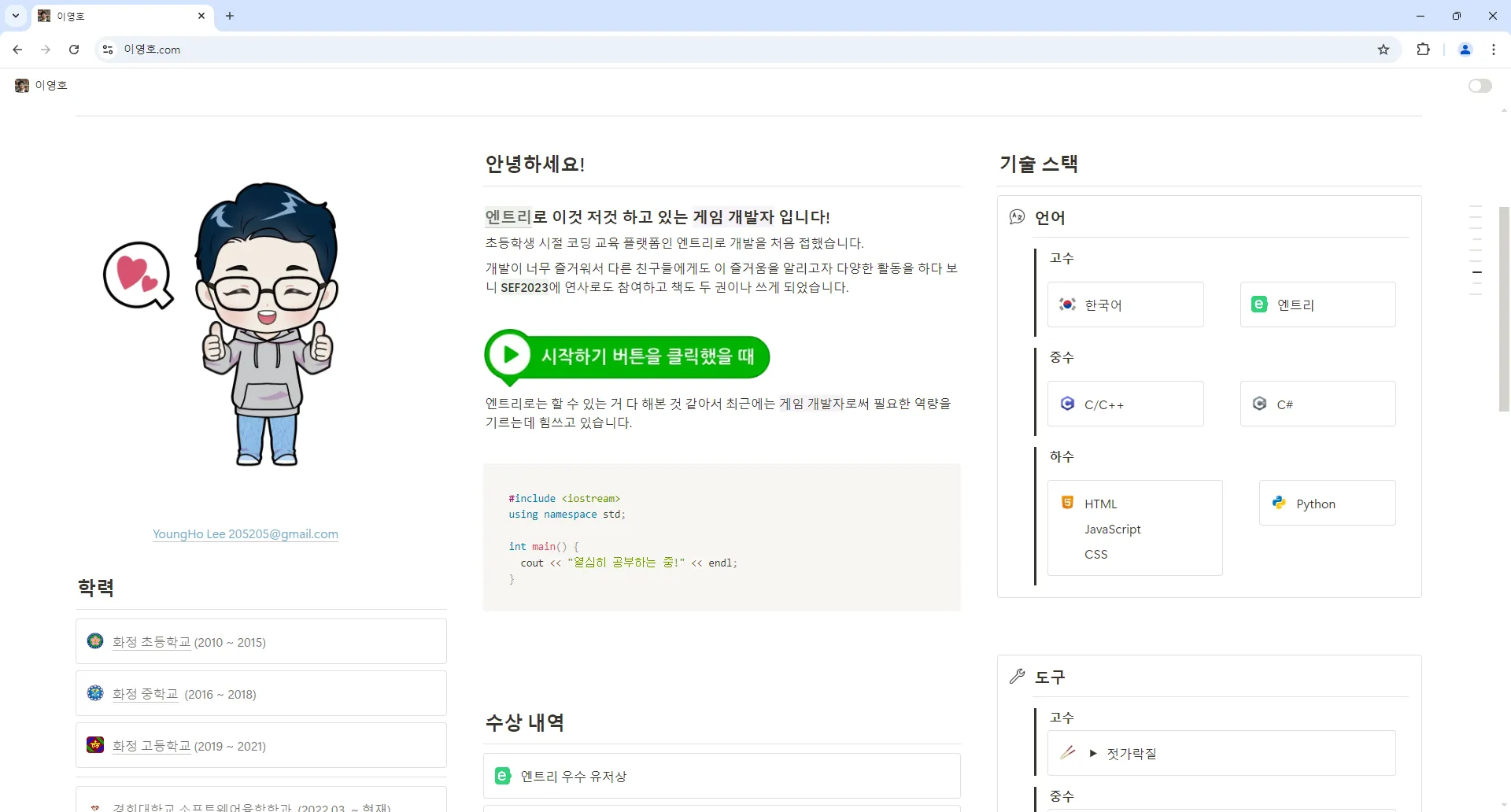
고대디에서 도메인 구매
고대디에서 이영호.com 도메인을 구매했습니다.
네임서버 설정
클라우드 플레어에 회원가입 하고 이영호.com에 접속하면 클라우드 플레어로 연결되게 하기 위해서 네임서버를 변경합니다.
노션 뷰어 기능 개발
Cloudflare Workers 기능을 이용해서 알림을 보내고 노션 페이지로 이동합니다.
addEventListener('fetch', event => {
  event.respondWith(handleRequest(event.request));
});

async function handleRequest(request) {
  const url = new URL(request.url);

  if (url.hostname === 'xn--vj5bn0ab83a.com') {
    const redirectUrl = `https://205sla.notion.site${url.pathname}${url.search}`;

    await sendNotification(url);

    return Response.redirect(redirectUrl, 301);
  }

  return fetch(request);
}

async function sendNotification(url) {
  const yourEndpoint = '********';

  const notificationData = {
    title: 'hello',
    body: `go:${url.pathname}${url.search}`
  };
  console.log(`Notification body: go:${url.pathname}${url.search}`);

  const response = await fetch(`https://puuu.sh/notify/${yourEndpoint}`, {
    method: 'POST',
    headers: {
      'Content-Type': 'application/json'
    },
    body: JSON.stringify(notificationData)
  });

  if (!response.ok) {
    console.error('Failed to send notification:', response.statusText);
  }
}
노션 정책 변경으로 현재는 동작하지 않음